Skip to content
Browserbase
    • Primitives
      • BrowsersCloud browsers for your agent to use the web
      • AgentsScale fully managed browser agents with simple prompts
      • SearchFind relevant websites from a single query
      • FetchRetrieve web data as agent-ready HTML, JSON, or markdown
      • RuntimeScalable, sandboxed environments for agent deployments
      • IdentityAuthenticate your agent to navigate the web like a human
      • ModelsUse any model with a single API key
      • ObservabilityUnified debugging your agent across replays, logs, and prompts
    • Open Source
      • Browse CLIGive your agent browsing skills with a single command
      • StagehandThe most popular AI browser automation framework
    • Use Cases
      • Browser Agents
      • Automated Testing
      • Workflow Automation
      • Web Data Extraction
      All use cases
    • Industries
      • AI & Agent Platforms
      • Healthcare
      • Fintech
      • GTM
      • Legal
    • Resources
      • Blog
      • Customers
      • Enterprise
      • Templates
  • Pricing
  • Docs
  • Log in
Log in
Sign up
Get a demo

Extract trending keywords from Google Trends

Extract trending search keywords from Google Trends for any country with structured JSON output for SEO and market research.
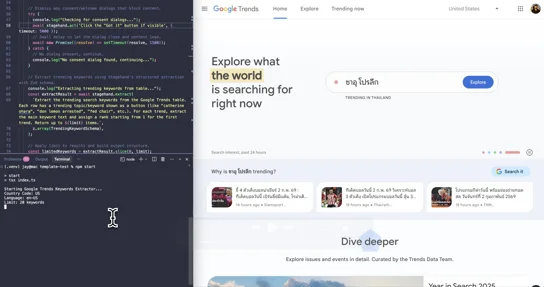
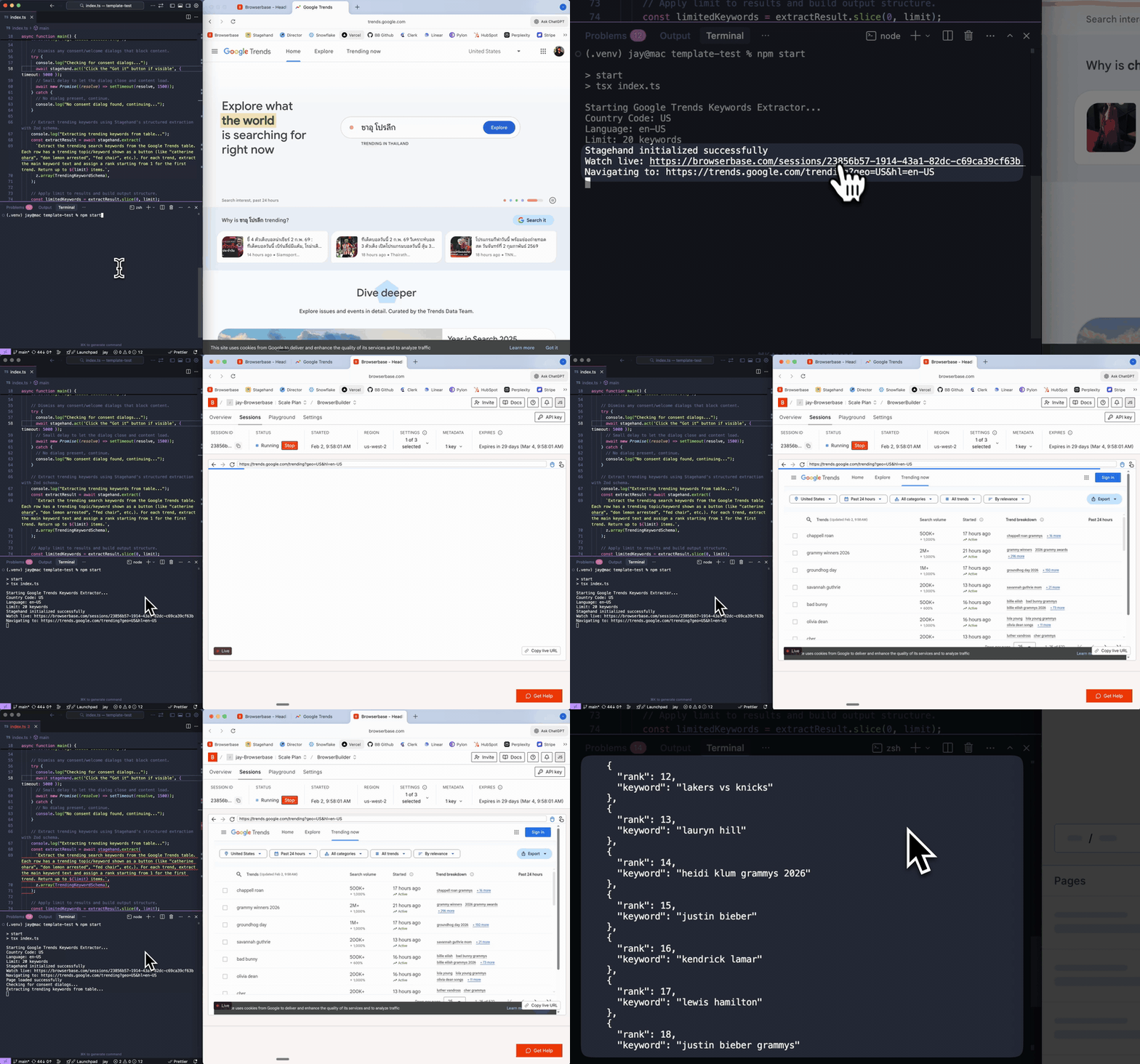
Extract trending keywords from Google Trends demo

Works with

TypeScriptTypeScriptPythonPythonStagehandStagehand

Built by

Browserbase

Support

support@browserbase.com

Resources

Browserbase docsStagehand websiteStagehand docs
Try in Agents
Copy prompt to run with your AI agent
npx create-browser-app --template google-trends-keywords
uvx create-browser-app --template google-trends-keywords
Try in Agents

Send this template to your email, or view it on your desktop for the source code.

Automate Google Trends keyword extraction for market research

Automatically extract trending search keywords from Google Trends for any country or language. This template navigates to Google Trends, handles consent dialogs, and extracts trending topics with rank positions using Zod schema validation. Perfect for SEO keyword research, content strategy planning, competitive intelligence, and tracking emerging market trends across different regions.

Steps

  1. Initialize Stagehand session with Browserbase
  2. Navigate to Google Trends trending page with configured country and language
  3. Extract trending keywords with rank positions using structured Zod schema
  4. Output formatted JSON with country code, language, timestamp, and keyword list

Most Popular Templates

Fill forms automatically

Fill web forms automatically by mapping your data to fields dynamically without selectors

Fill forms automatically

AI browser agent: Gemini 3 Flash

Execute autonomous web tasks using Google's Gemini 3 Flash model

AI browser agent: Gemini 3 Flash

Find broken links on websites

Crawl your website to find broken links and validate page content automatically

Find broken links on websites
Browserbase

Primitives

  • Browsers
  • Web APIs
  • Runtime
  • Identity
  • Model Gateway
  • Observability
  • Stagehand
  • MCP

Industries

  • AI
  • Healthcare
  • GTM
  • Tax
  • Legal

Developers

  • Docs
  • Templates
  • APIs & SDKs
  • Changelog
  • Status
  • Github

Company

  • Careers
  • Customers
  • Partner with Us
  • Trust & Security

Community

TwitterLinkedinYoutube
  • Privacy Policy
  • Terms of Service

Community

TwitterLinkedinYoutube
  • Privacy Policy
  • Terms of Service