Scrape with geolocation proxies
Route browser automation traffic through specific geolocations to access region-specific content
Copy prompt to run with your AI agent
Send this template to your email, or view it on your desktop for the source code.
Access region-specific content with geolocation proxies
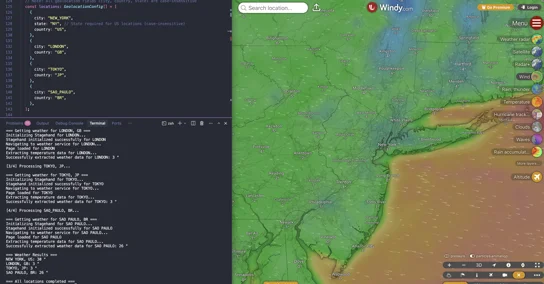
Route your browser automation traffic through specific cities to access location-dependent content. This template shows how to configure geolocation proxies (New York, London, Tokyo, São Paulo) and extract region-specific data from websites. Perfect for price comparison across regions, localized content testing, and geo-restricted site access. Uses Browserbase Proxies with structured data extraction.
Steps
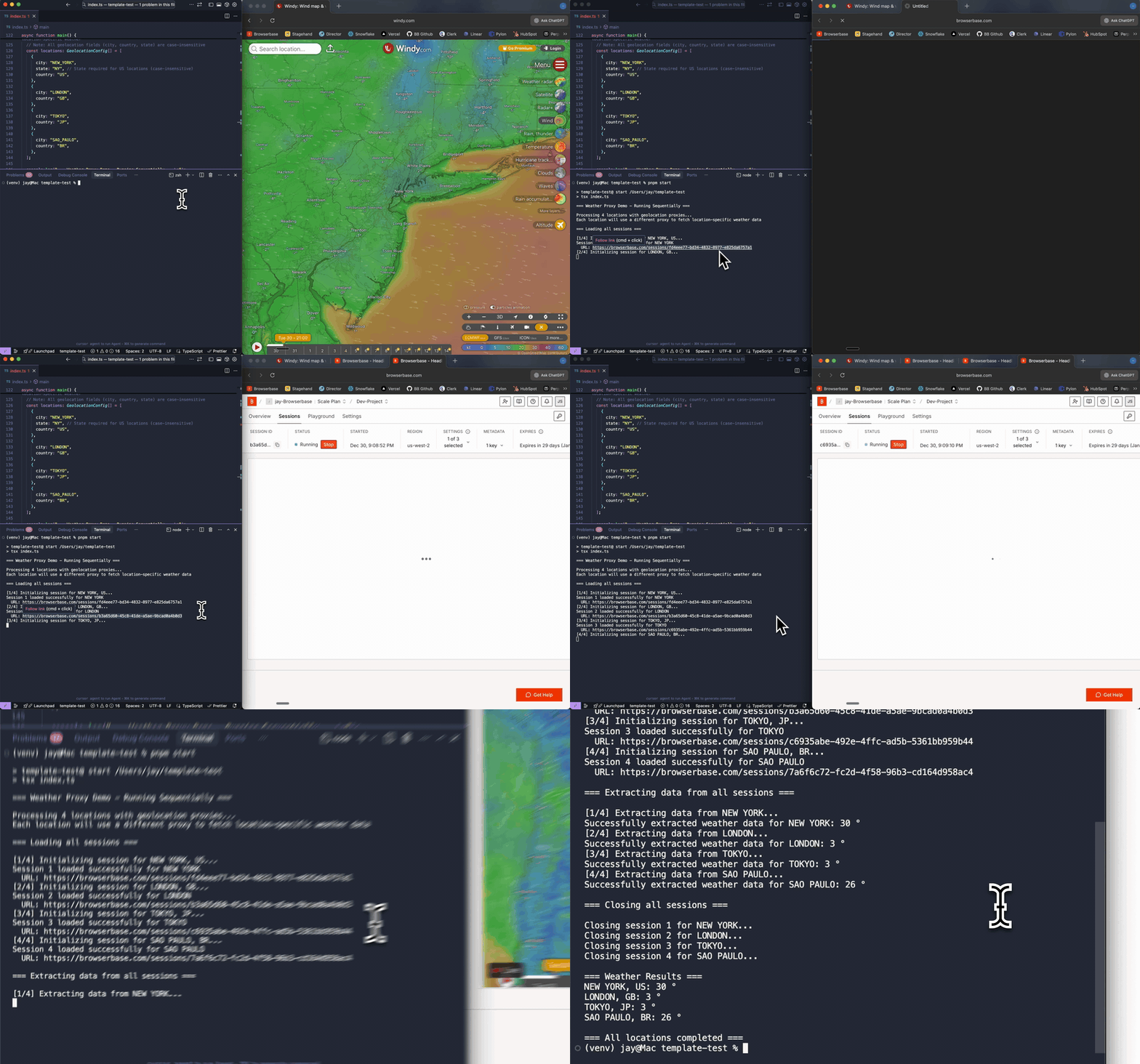
- Configure a Browserbase session with a geolocation proxy (city/country/state)
- Navigate to a weather site through that proxy
- Extract the current temperature and unit with Stagehand + Zod schema validation
- Repeat for multiple locations to compare results across geographies
- Print a formatted summary of weather results for all locations


