Skip to content
Browserbase
    • Primitives
      • BrowsersCloud browsers for your agent to use the web
      • AgentsScale fully managed browser agents with simple prompts
      • SearchFind relevant websites from a single query
      • FetchRetrieve web data as agent-ready HTML, JSON, or markdown
      • RuntimeScalable, sandboxed environments for agent deployments
      • IdentityAuthenticate your agent to navigate the web like a human
      • ModelsUse any model with a single API key
      • ObservabilityUnified debugging your agent across replays, logs, and prompts
    • Open Source
      • Browse CLIGive your agent browsing skills with a single command
      • StagehandThe most popular AI browser automation framework
    • Use Cases
      • Browser Agents
      • Automated Testing
      • Workflow Automation
      • Web Data Extraction
      All use cases
    • Industries
      • AI & Agent Platforms
      • Healthcare
      • Fintech
      • GTM
      • Legal
    • Resources
      • Blog
      • Customers
      • Enterprise
      • Templates
  • Pricing
  • Docs
  • Log in
Log in
Sign up
Get a demo

License verification, across every state registry

Enrolling professionals in healthcare, real estate, and finance means slow, manual checks against state government registries. Browserbase deploys agents that query those registries reliably, so credentialing stays continuous and accurate as you scale.
Get a Demo
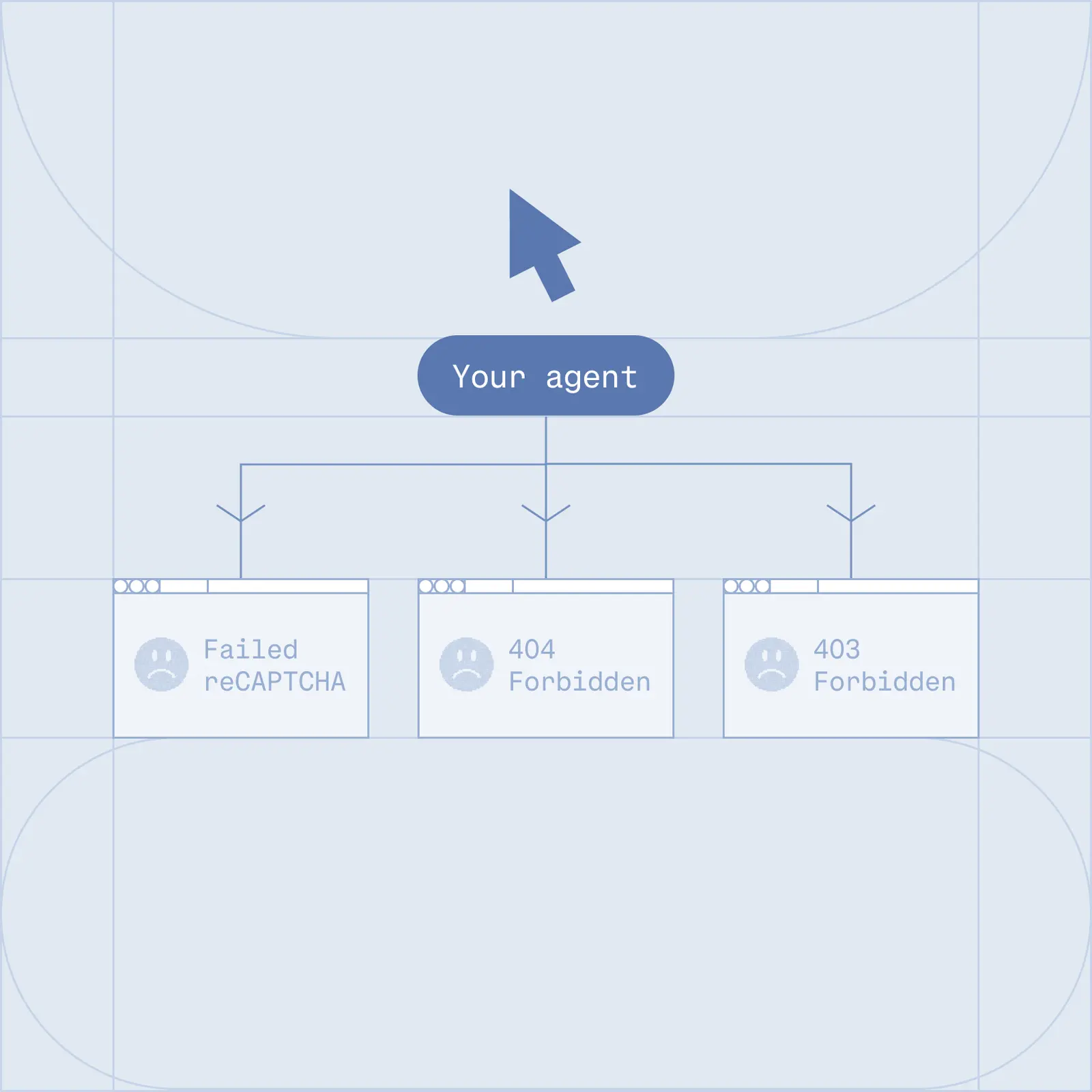
An agent blocked at a government license registry

The Problem

Why license verification does not scale

  • Checking each credential by hand against a different state registry, one professional at a time.
  • Expired licenses and mismatched credentials slip through and raise compliance risk.
  • The first attempt to automate a government registry often ends at a CAPTCHA or a block.
  • Every new state means another brittle script to write, deploy, and maintain.
  • Each payer portal has its own login and workflow, so headcount climbs with every one you add.
Verified agent access to state registries and payer portals

The Solution

How Browserbase verifies credentials at scale

  • Real browsers: navigate unfamiliar state registries the way a person would, with no per-site scripting.
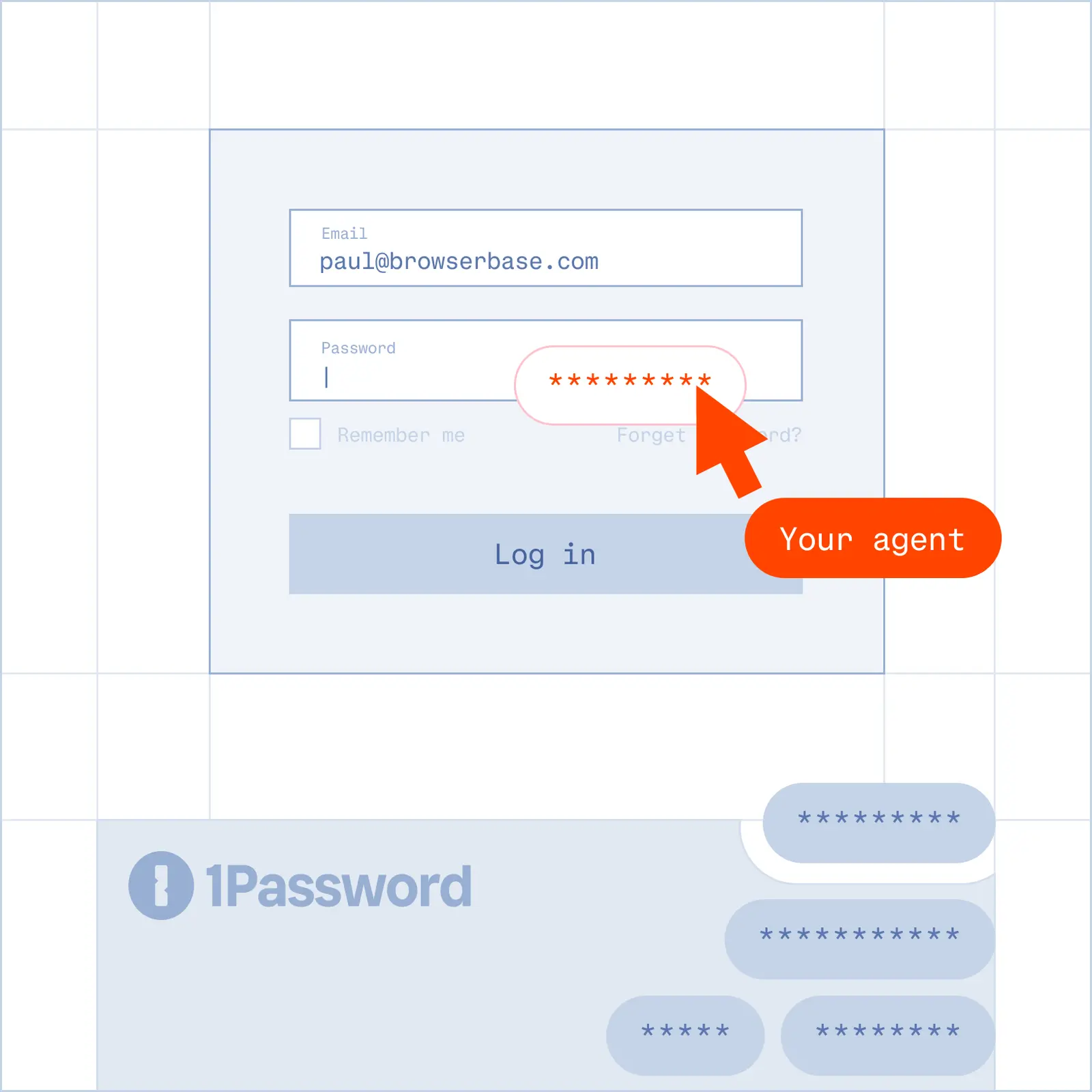
  • Verified: reach government registries that turn away ordinary tooling, so a first run does not end at a block.
  • Agent Identity: Web Bot Auth signs each request against an open standard, so registries and portals can verify your agent instead of guessing.
  • Self-healing agents: one workflow adapts to new and changed portals, so you are not maintaining a script per payer.
  • Contexts: freeze an authenticated session once, then reuse it across runs so credentials stay human-in-the-loop and never touch your automation or an LLM.
  • Parallel runs: verify thousands of professionals across all 50 states at once.

Credentials you can verify

Healthcare licenses

Registered nurse, CNA, and physician licenses for hiring and payer enrollment.

Real estate licenses

Realtor and broker license status and standing across state commissions.

Financial credentials

CPA and other financial services licenses for onboarding and compliance.

Trade and service licenses

Beauty services, automotive, plumbing, and many other regulated professions.

Frequently Asked Questions

Can Browserbase verify licenses across all 50 states?

Yes. Because Browserbase runs real browsers, one workflow can query state registries nationwide without a separate script per state. Agents handle new and unfamiliar registry sites, so you reach nationwide coverage without building and maintaining a fleet of brittle scrapers.

What happens when a registry blocks automated checks or shows a CAPTCHA?

A first attempt at a government registry often ends at a CAPTCHA or a block. Browserbase gives your agents Verified access and an Agent Identity: Web Bot Auth signs each request against an open standard, so registries can verify the agent rather than turn it away. Managed CAPTCHA solving is included.

How does Browserbase handle logins to payer portals during verification?

With Contexts, you authenticate a session once and reuse it across runs. Credentials stay human-in-the-loop and never get hardcoded into a script or passed into an LLM, while automated extraction and form-filling run against the portal on top of that saved session.

Do I need to write a new script for every payer portal or registry?

No. Browserbase agents are self-healing, so one workflow adapts to new and changed portals instead of breaking. That removes the per-portal scripting and maintenance that otherwise grows engineering headcount with every portal you add.

What will you build?

Get a DemoGet Started
Browserbase

Primitives

  • Browsers
  • Web APIs
  • Runtime
  • Identity
  • Model Gateway
  • Observability
  • Stagehand
  • MCP

Industries

  • AI
  • Healthcare
  • GTM
  • Tax
  • Legal

Developers

  • Docs
  • Templates
  • APIs & SDKs
  • Changelog
  • Status
  • Github

Company

  • Careers
  • Customers
  • Partner with Us
  • Trust & Security

Community

TwitterLinkedinYoutube
  • Privacy Policy
  • Terms of Service

Community

TwitterLinkedinYoutube
  • Privacy Policy
  • Terms of Service