Skip to content
Browserbase
    • Primitives
      • BrowsersCloud browsers for your agent to use the web
      • AgentsScale fully managed browser agents with simple prompts
      • SearchFind relevant websites from a single query
      • FetchRetrieve web data as agent-ready HTML, JSON, or markdown
      • RuntimeScalable, sandboxed environments for agent deployments
      • IdentityAuthenticate your agent to navigate the web like a human
      • ModelsUse any model with a single API key
      • ObservabilityUnified debugging your agent across replays, logs, and prompts
    • Open Source
      • Browse CLIGive your agent browsing skills with a single command
      • StagehandThe most popular AI browser automation framework
    • Use Cases
      • Browser Agents
      • Automated Testing
      • Workflow Automation
      • Web Data Extraction
      All use cases
    • Industries
      • AI & Agent Platforms
      • Healthcare
      • Fintech
      • GTM
      • Legal
    • Resources
      • Blog
      • Customers
      • Enterprise
      • Templates
  • Pricing
  • Docs
  • Log in
Log in
Sign up
Get a demo

Python web scraping that doesn't break

The web wasn't built for agents. Browserbase gives your Python scrapers real cloud browsers that render JavaScript, reach pages that turn away ordinary tooling, and return structured data. Use the Stagehand® SDK in Python, or your existing Playwright and Selenium code.

Get Started
Python scraper code alongside a browser interface

The Problem

Why Python web scraping breaks in production

  • Requests and BeautifulSoup return empty pages when content loads through JavaScript.
  • CSS selectors and XPath break every time a site changes its layout.
  • Scripted requests get blocked within minutes by anti-bot systems.
  • Rotating proxies, headers, and CAPTCHAs eat more time than the scraper itself.
  • Running headless Chrome at scale means managing your own browser fleet.
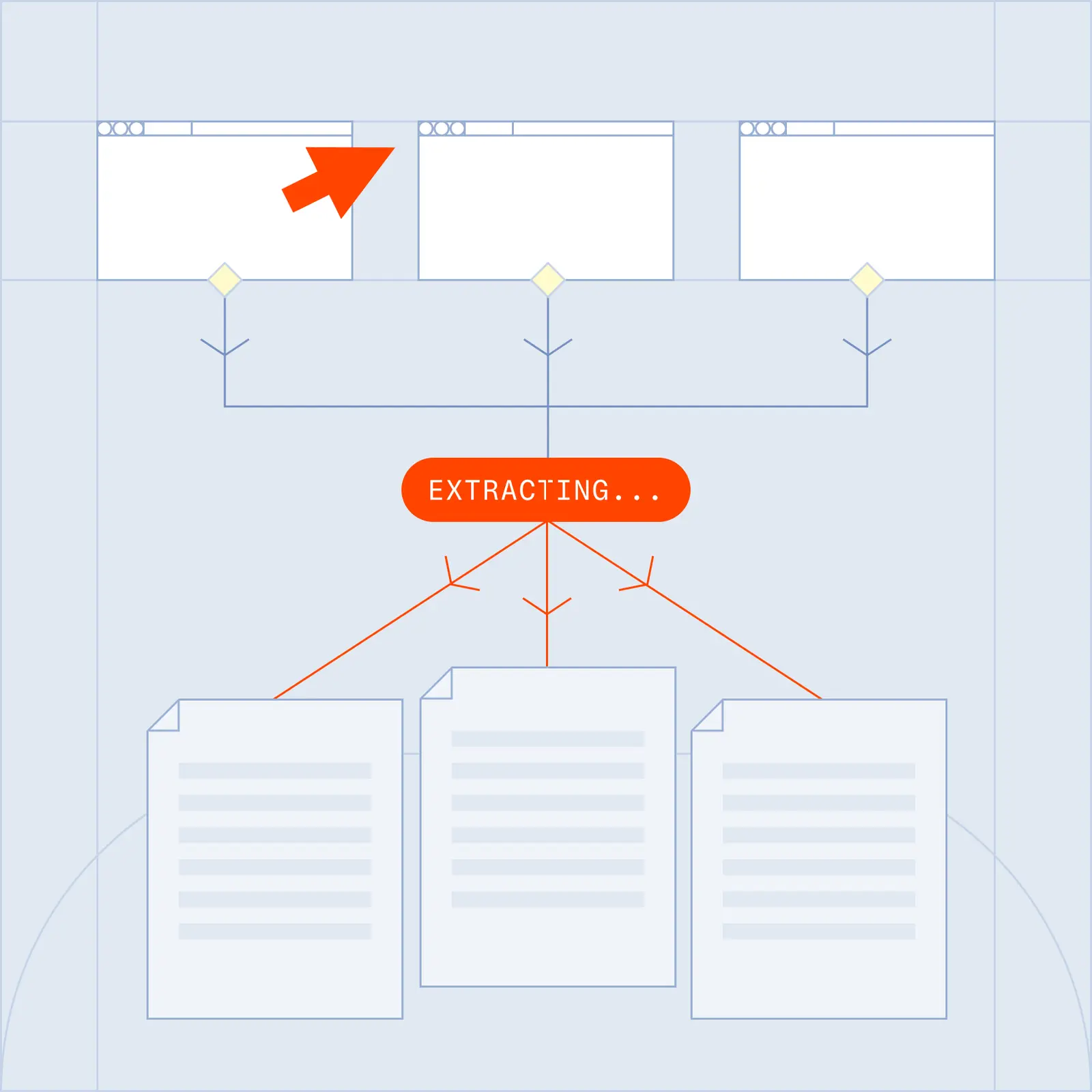
Structured data extracted from a web page

The Solution

How Browserbase changes Python web scraping

  • Real browser rendering: full Chrome instances execute JavaScript, load SPAs, and handle infinite scroll, so your Python code sees the same page a person does.
  • Natural language extraction: with the Stagehand SDK, describe the data you need in Python and get structured output back, no selectors to maintain.
  • Self-healing selectors: when a site changes its layout, AI re-identifies the right elements automatically.
  • Verified: every session reaches pages that turn away ordinary tooling, with residential proxies and managed CAPTCHA solving included.
  • Agent Identity: Web Bot Auth signs your agent's requests, so sites can verify it instead of guessing.
  • Parallel at scale: run thousands of browser sessions from Python simultaneously in the cloud, with no fleet to manage.

What you can build with Python

Price and product monitoring

Track pricing, catalogs, and availability across hundreds of sites from a single Python job.

Lead enrichment

Extract company details and firmographic data from business directories into your pipeline.

Content and review aggregation

Collect articles, reviews, and user-generated content from dynamic, JavaScript-heavy sources.

Research datasets

Gather data from public records, academic portals, and government databases at scale.

Frequently Asked Questions

What is Python web scraping?

Python web scraping is the practice of extracting data from websites using Python. Libraries like Requests and BeautifulSoup handle static HTML, but modern sites render content with JavaScript, so production scrapers need a real browser. Browserbase gives your Python code cloud-hosted Chrome browsers, paired with the Stagehand SDK for AI-driven extraction.

Which Python libraries work with Browserbase?

Browserbase runs standard Chrome over CDP, so it works with Playwright and Selenium out of the box, plus the Stagehand SDK in Python for natural-language extraction. Point your existing scripts at a Browserbase session and they run in the cloud with no browser fleet to manage.

How do I scrape JavaScript-rendered pages in Python?

Static libraries like Requests cannot run JavaScript, so single-page apps return empty. Browserbase runs full Chrome sessions that execute JavaScript, load SPAs, and handle infinite scroll, so your Python code sees the fully rendered page.

How does my Python scraper reach pages that block ordinary tooling?

Every Browserbase session includes Verified access, which manages fingerprints and cookies so your scraper reaches pages that turn away ordinary tooling. Residential proxies route traffic through real IP addresses, and managed CAPTCHA solving covers the common challenge types. Agent Identity is the layer above it: Web Bot Auth signs your agent's requests so sites can verify it instead of guessing, and we work with bot protection providers rather than evading them.

Can I get structured data out in a specific format?

Yes. With Stagehand you define a schema in Python using JSON Schema, and the AI returns data matching that exact structure, so you get clean, typed output ready for your database or API with no post-processing needed.

Can I run Python scrapers in parallel?

Yes. Browserbase runs thousands of concurrent browser sessions in the cloud, so you can parallelize a Python scrape across many pages or sites at once without provisioning any infrastructure.

What will you build?

Get StartedGet Started
Browserbase

Primitives

  • Browsers
  • Web APIs
  • Runtime
  • Identity
  • Model Gateway
  • Observability
  • Stagehand
  • MCP

Industries

  • AI
  • Healthcare
  • GTM
  • Tax
  • Legal

Developers

  • Docs
  • Templates
  • APIs & SDKs
  • Changelog
  • Status
  • Github

Company

  • Careers
  • Customers
  • Partner with Us
  • Trust & Security

Community

TwitterLinkedinYoutube
  • Privacy Policy
  • Terms of Service

Community

TwitterLinkedinYoutube
  • Privacy Policy
  • Terms of Service