Skip to content
Browserbase
    • Primitives
      • BrowsersCloud browsers for your agent to use the web
      • AgentsScale fully managed browser agents with simple prompts
      • SearchFind relevant websites from a single query
      • FetchRetrieve web data as agent-ready HTML, JSON, or markdown
      • RuntimeScalable, sandboxed environments for agent deployments
      • IdentityAuthenticate your agent to navigate the web like a human
      • ModelsUse any model with a single API key
      • ObservabilityUnified debugging your agent across replays, logs, and prompts
    • Open Source
      • Browse CLIGive your agent browsing skills with a single command
      • StagehandThe most popular AI browser automation framework
    • Use Cases
      • Browser Agents
      • Automated Testing
      • Workflow Automation
      • Web Data Extraction
      All use cases
    • Industries
      • AI & Agent Platforms
      • Healthcare
      • Fintech
      • GTM
      • Legal
    • Resources
      • Blog
      • Customers
      • Enterprise
      • Templates
  • Pricing
  • Docs
  • Log in
Log in
Sign up
Get a demo

Visual regression testing, without the flakes

Browserbase runs your visual regression tests on real cloud browsers. Capture consistent screenshots at scale, diff them against your baselines, and catch UI regressions before your users do, on infrastructure running 35m+ sessions a month.
Get Started
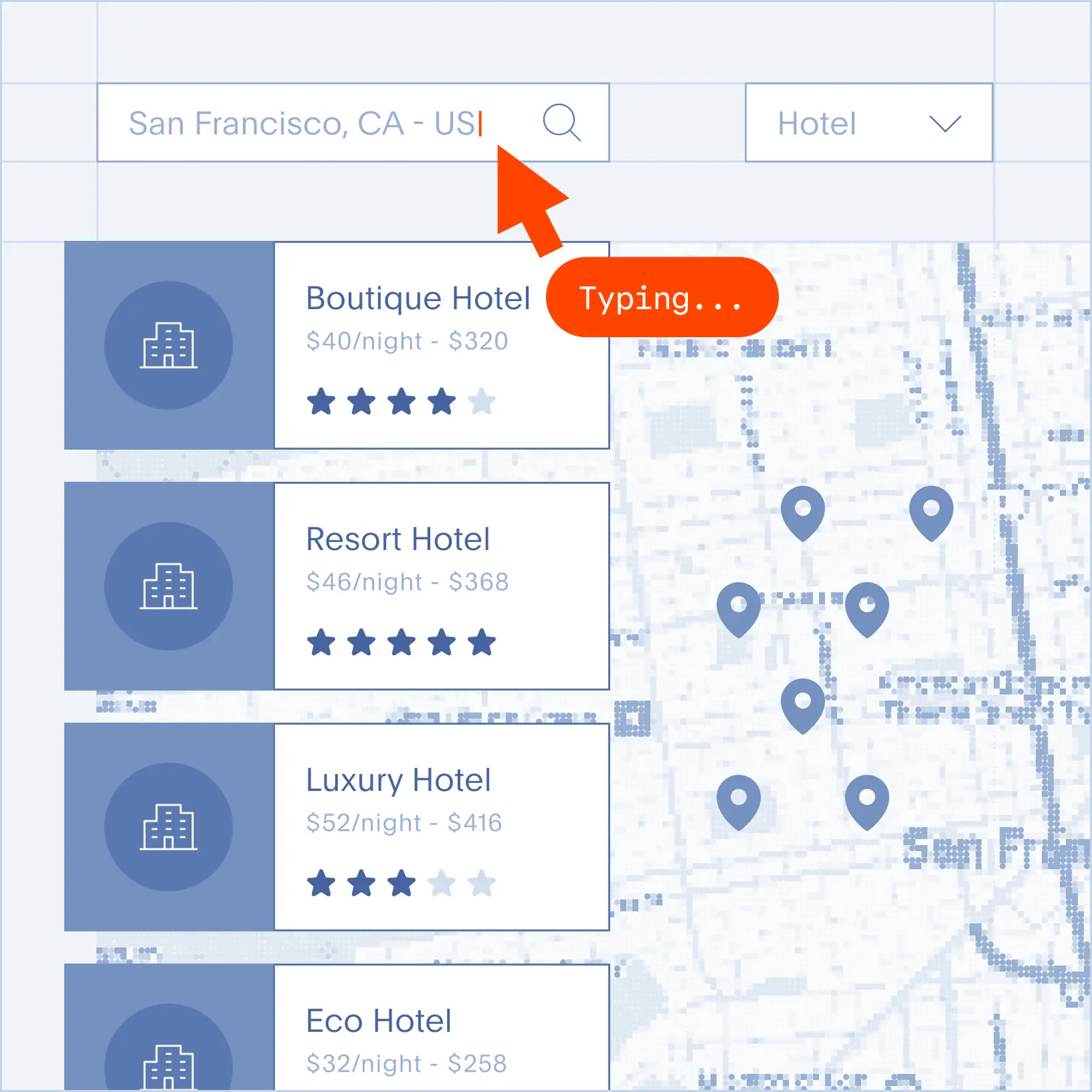
Tangled testing flow with broken steps

The Problem

Why visual regression testing breaks down at scale

  • Screenshots come out different every run because fonts, animations, and rendering vary across machines.
  • A single UI change floods your suite with false positives you have to review one by one.
  • Local browser pools cap you at a handful of parallel snapshots, so every full run takes hours.
  • Third-party visual testing tools charge per snapshot, so your bill scales faster than your coverage.
  • When a diff fails, you have static images and no way to inspect what the browser actually rendered.
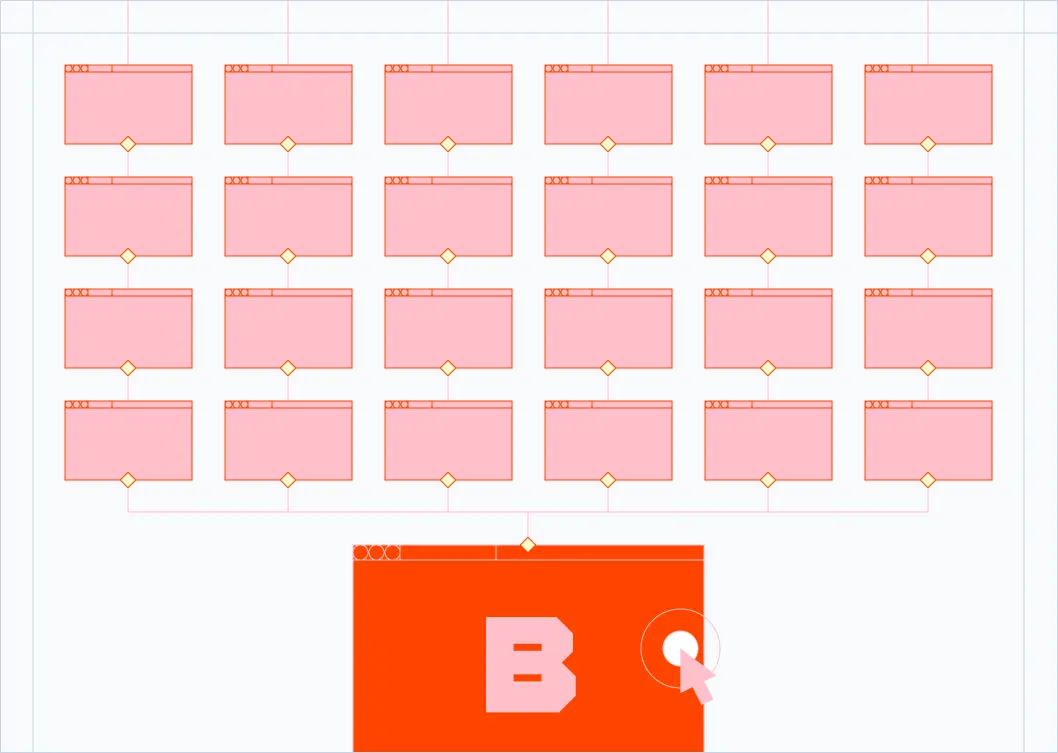
Multiple cloud browsers running concurrently

The Solution

Cloud browsers built for visual regression testing

  • Consistent environments: every screenshot is captured on a fresh browser with predictable versions, fonts, and viewport.
  • Massive parallelism: run thousands of visual snapshots in parallel and cut full-suite time from hours to minutes.
  • Drop-in compatibility: works with Playwright, Puppeteer, and Selenium, so your existing snapshot tools keep running.
  • Session recording: every run produces a full video and DOM replay, so a bad diff points you straight to the cause.
  • Pay for what you use: no per-snapshot fees. Capture as many screenshots as your suite needs.

What you can test with Browserbase

Component snapshots

Diff individual components across states, themes, and viewports on every pull request.

Full-page regressions

Capture whole marketing pages and app screens to catch layout shifts before they ship.

Cross-browser rendering

Validate that your UI renders correctly on Chromium with isolated, reproducible browsers.

Responsive breakpoints

Screenshot the same page at every viewport size to verify responsive layouts hold up.

Frequently Asked Questions

What is visual regression testing?

Visual regression testing captures screenshots of your UI and compares them against known-good baselines to catch unintended visual changes. Instead of asserting that a button exists in code, you assert that the page looks the way it should. Any pixel drift, from a shifted layout to a broken font load, shows up as a diff you can review before it reaches production.

How is visual regression testing different from end-to-end testing?

End-to-end tests verify that user flows work: click here, type there, expect this state. Visual regression tests verify that the UI looks right at each step. The two are complementary. E2E catches broken logic, and visual regression catches broken layouts, misaligned elements, style regressions, and rendering issues that functional tests miss entirely.

What are the best tools for visual regression testing?

Playwright, Cypress, and Puppeteer all ship built-in screenshot APIs that pair with diffing libraries like pixelmatch, resemble.js, or Percy-style services. Browserbase works with Playwright, Puppeteer, and Selenium through a standard CDP connection, so you can keep your existing snapshot code and run it on cloud browsers with no rewrite.

Why do visual regression tests flake?

Most flakes come from environment drift. Different fonts load, animations run at different speeds, cursors blink at random moments, or the viewport differs by a pixel. Browserbase runs every test on a fresh, isolated browser with consistent versions and settings, so the environment stops being the variable. What is left is real regressions.

Can I run my existing Playwright or Cypress screenshot tests on Browserbase?

Yes. Browserbase exposes a standard Chrome DevTools Protocol endpoint, so you can point your Playwright, Puppeteer, or Selenium scripts at a Browserbase session in a few lines of code. Most teams keep their existing screenshot and diffing logic in place and only swap the browser launch.

How many visual tests can I run in parallel?

Browserbase scales on demand. Free and starter plans support a small pool of concurrent browsers, and Scale plans run hundreds of parallel sessions for full snapshot suites on every pull request. Check the pricing page for current concurrency limits per plan.

What will you build?

Get StartedGet Started
Browserbase

Primitives

  • Browsers
  • Web APIs
  • Runtime
  • Identity
  • Model Gateway
  • Observability
  • Stagehand
  • MCP

Industries

  • AI
  • Healthcare
  • GTM
  • Tax
  • Legal

Developers

  • Docs
  • Templates
  • APIs & SDKs
  • Changelog
  • Status
  • Github

Company

  • Careers
  • Customers
  • Partner with Us
  • Trust & Security

Community

TwitterLinkedinYoutube
  • Privacy Policy
  • Terms of Service

Community

TwitterLinkedinYoutube
  • Privacy Policy
  • Terms of Service